
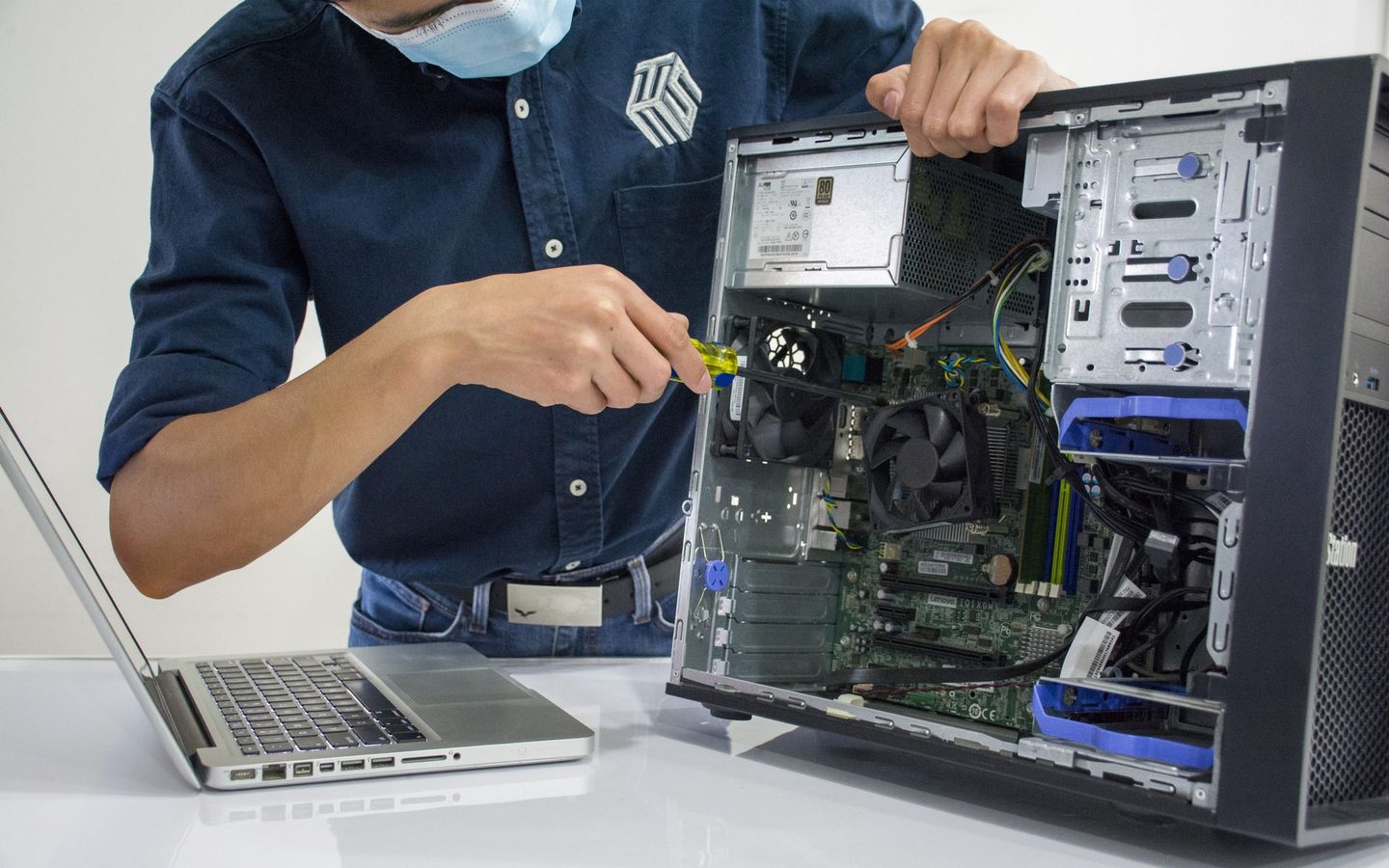
Support and workstation technician
Take charge of a user who is stuck and put their machine back in service.
- Block code
- INFRA-SUP
The format
Three months, two hours a day.
- Certificate programme · 128 h
- Two hours a day
- 250,000 F — the same fee for all sixty
- All in the same format, at the same fee.
The qualification
A CQP under MINEFOP accreditation.
- Leads to the CQP — Certificat de Qualification Professionnelle, which the ministry used to call the AQP.
- Awarded under MINEFOP accreditation.
- The full programme for the same profession remains open to anyone aiming for the complete qualification.
Sessions
A new session opens every quarter.
Next intake: Monday 5 October, with enrolment open until 9 October. The following one starts on 4 January 2027.
- First-quarter intake — enrolment closes on 9 October5 Oct.
- Second-quarter intake — 20274 Jan.
Objectives
What you will be able to do.
Receive and qualify a support request, including from an unhappy user
Use a ticketing tool and meet handling deadlines
Identify the components of a workstation and diagnose a hardware or software fault
Install and configure an operating system from start to finish
Cable a small network and diagnose a connectivity fault end to end
Deploy a reproducible standard workstation and keep an up-to-date asset inventory
Document an intervention and a solution so that a colleague can reuse them
Programme
Four modules.
Module 0132 h Module 0232 h User support and ticket management
Module 0332 h Local networking and connectivity
Module 0432 h Deployment, asset management and support tools
Who it is for
Who it is aimed at.
- Complete beginners. No technical prerequisites: only basic ease with using a computer is expected. This is the sector's entry block, and the first job that is genuinely within reach.
Afterwards
Where it leads.
- Support technician, desktop support technician, helpdesk technician. Natural next step towards network administration (Network administrator), cloud (Cloud and backup technician) or cybersecurity.
Method
How it works.
Systematic alternation between short theory sessions and practical work, with most of the time spent on practice
Progression from simple to complex: each module builds on what was learnt in the previous one
Realistic role-plays drawn from Cameroonian business cases
Considered use of generative AI as a working tool, in line with the common core
Regular formative assessments and a final integrative project drawing on all four modules
Assessment
How you are assessed.
Formative assessment at the end of each module (graded role-play and practical exercises)
Practical work assessed against competency sheets
Final integrative project, presented and defended before the trainer
One graded assignment per module in the online course space
Tools
What you work with.
GLPI — ticket management and IT asset inventory
Clonezilla — system image creation and deployment
Remote Desktop, TeamViewer or AnyDesk — remote control
Windows 11 and Windows Server evaluation versions, Ubuntu, an introduction to macOS
VirtualBox or VMware — virtual machines to test and isolate a fault
System diagnostic tools: task manager, memory and disk tests, antivirus
Keep exploring
In the same field.
Join the next session
Ready to get started?
Sessions open every quarter. Apply now or request the detailed brochure — our advisers will get back to you.