
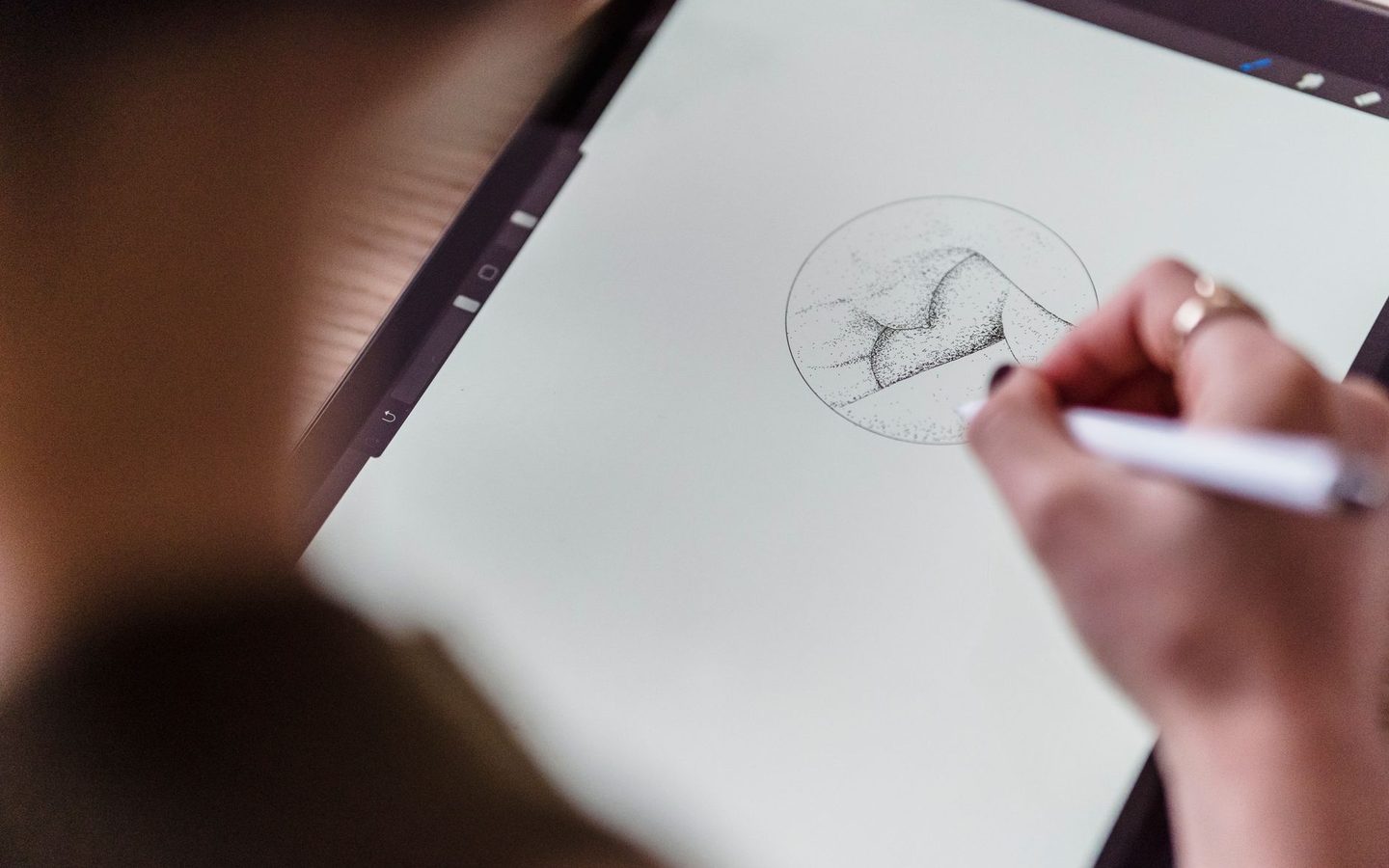
AI-augmented illustrator and retoucher
Produce and retouch the images a graphic project needs.
- Block code
- GRAPH-ILL
The format
Three months, two hours a day.
- Certificate programme · 128 h
- Two hours a day
- 250,000 F — the same fee for all sixty
- All in the same format, at the same fee.
The qualification
A CQP under MINEFOP accreditation.
- Leads to the CQP — Certificat de Qualification Professionnelle, which the ministry used to call the AQP.
- Awarded under MINEFOP accreditation.
- The full programme for the same profession remains open to anyone aiming for the complete qualification.
Sessions
A new session opens every quarter.
Next intake: Monday 5 October, with enrolment open until 9 October. The following one starts on 4 January 2027.
- First-quarter intake — enrolment closes on 9 October5 Oct.
- Second-quarter intake — 20274 Jan.
Objectives
What you will be able to do.
Master resolution, formats and colour spaces
Correct an image: levels, curves, colour balance, sharpness
Make clean cut-outs, including the difficult cases
Work non-destructively with masks and adjustment layers
Illustrate in vector: curves, Boolean operations, icon sets
Generate images with AI, rework them, and know what you do not deliver
Produce at scale: photomontage, batch processing, versioned library
Programme
Four modules.
Module 0132 h Module 0232 h Vector illustration
Module 0332 h AI image generation and rework
Module 0432 h Photomontage and batch production
Who it is for
Who it is aimed at.
- Learners who have mastered the basics of graphic design. The block also suits photographers who want to extend their offer to retouching and illustration.
Afterwards
Where it leads.
- Illustrator, photo retoucher, graphic production operator. The block also sells very well as a per-image service.
Method
How it works.
Systematic alternation between short theory sessions and practical work, with most of the time spent on practice
Progression from simple to complex: each module builds on what was learnt in the previous one
Realistic role-plays drawn from Cameroonian business cases
Considered use of generative AI as a working tool, in line with the common core
Regular formative assessments and a final integrative project drawing on all four modules
Assessment
How you are assessed.
Formative assessment at the end of each module (graded role-play and practical exercises)
Practical work assessed against competency sheets
Final integrative project, presented and defended before the trainer
One graded assignment per module in the online course space
Tools
What you work with.
Adobe Photoshop or GIMP and Affinity Photo
Adobe Illustrator or Inkscape
An image generator and its touch-up tools
Batch processing tools and automation scripts
Licensed stock image libraries and a library management tool
Keep exploring
In the same field.
Join the next session
Ready to get started?
Sessions open every quarter. Apply now or request the detailed brochure — our advisers will get back to you.